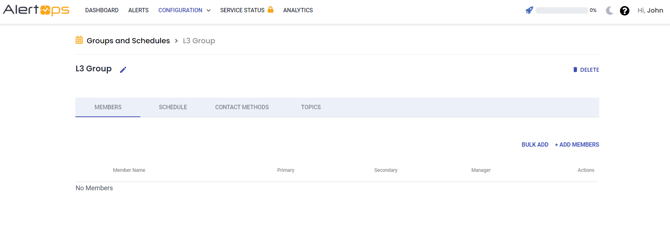
User can create a simple group containing a single shift, and modify it further by adding more shifts and members as needed.
- Navigate to Configurations -> Groups and Schedules, the existing groups details are displayed

- Click + ADD GROUP in the top right corner.
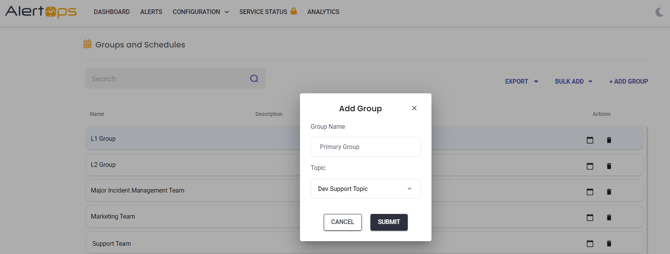
- Enter a unique Group Name
- Select a Topic to the group using the drop-down menu.
- Click Submit button, the group added successfully.
- On the Groups & Schedules Management page, you may add Members, Schedules, Contact Methods, and Topics to the group.