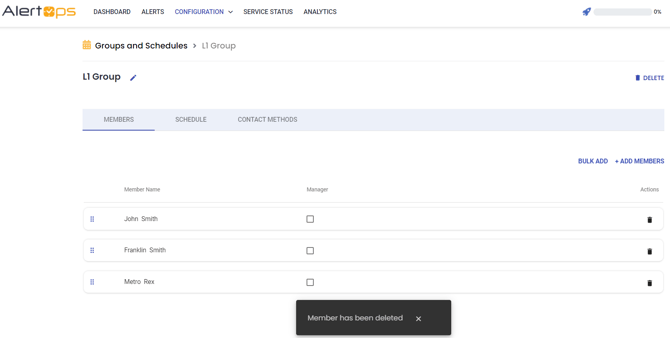
From the Group Management Page, in the Members tab, press the  icon in the Action column to remove a Member from the Group.
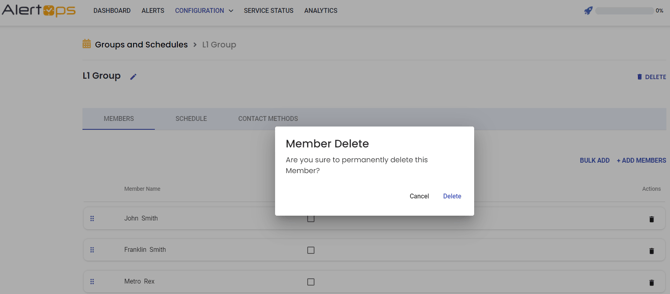
The user will remain in the system but will be removed from the Group. The icon will be greyed out if the member is a part of a Schedule. Members must be removed from all Schedules before they can be removed from the Group or deleted from the system.