
Export Groups
- Click Groups and Schedules in the menu bar.
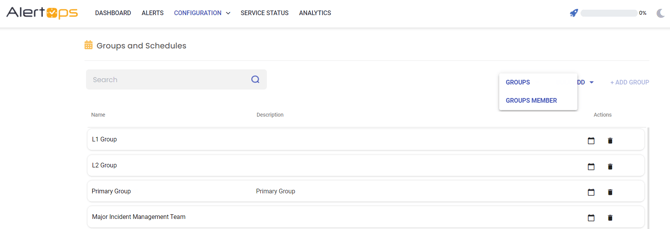
- Click Export. Then, select Groups in the drop-down menu.
- Open the downloaded file.
Example: Exported Group File

Group Member Export
- Click Groups and Schedules in the menu bar.
- Select Group Members in the drop-down menu and Click Export
- Open the downloaded file.