
User can import multiple users without having to add them one-by-one using a .csv template.
- Navigate to Configuration -> Users, the list of existing users list displayed
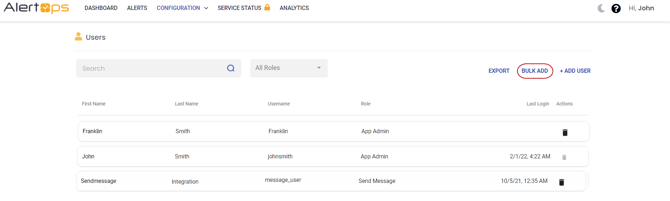
- Click BULK ADD in User’s page
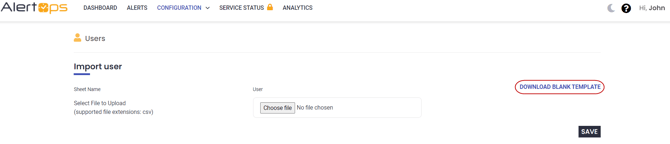
- Click DOWNLOAD BLANK TEMPLATE button in User Import page
- Open the downloaded template and fill out 'Users' tab and then save it. UserName, FirstName, LastName, Email-Official, and User Role are required.

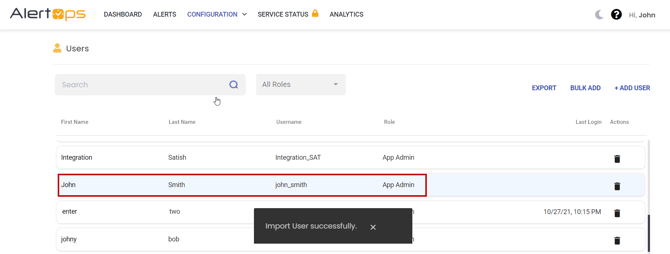
- Choose the file and click save button, the users details are imported sucessfully
Export Existing Users
User can use the Export Users feature to generate a .CSV file in the format supported by the User Upload feature.
- Navigate to Configuration à Users à Export
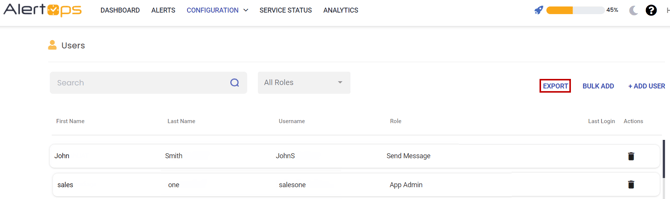
- Use the available filter option, and search option to refine the list to show the users you want to export.
- Click Export, displayed list of users are downloaded as Users.csv