
Permissions
The InboundIntegrations_GlobalAccess entitlement is necessary for creation, update, and deletion of inbound e-mail, API, and chat integration templates in the environment. The user roles that have access to this entitlement are Owner, App Admin, and Integrations Admin.
Overview
Relevant for App Admins and Integrations Admins
Every inbound integration uses the same basic setup pattern. Pick the channel type (API, Email, Chat, or Heartbeat), pick a template, point it at an Escalation Policy and recipients, and save. The integration-specific articles cover the channel's particulars; this article documents the shared procedure.
Setup Steps
Relevant for App Admin / Integrations Admin
- Navigate to Configuration → Integrations.
- From the Inbound Integrations section, select API, Email, Chat, or Heartbeat from the channel-type drop-down on the right.
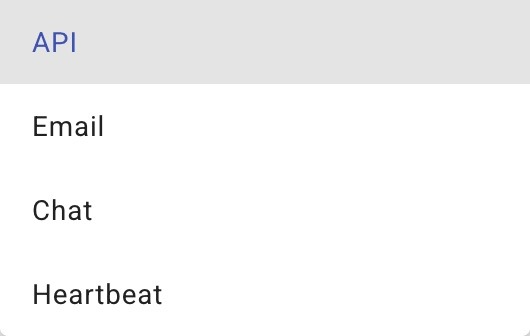
Figure 1. The channel-type drop-down on the Inbound Integrations list — API, Email, Chat, or Heartbeat. Your choice sets what the Add button creates.
- Click the Add button at the top right (the label changes with the channel — + ADD API, + Add Email, etc.).
- Select the desired integration from the available templates. For sources without a template, pick the Custom option.
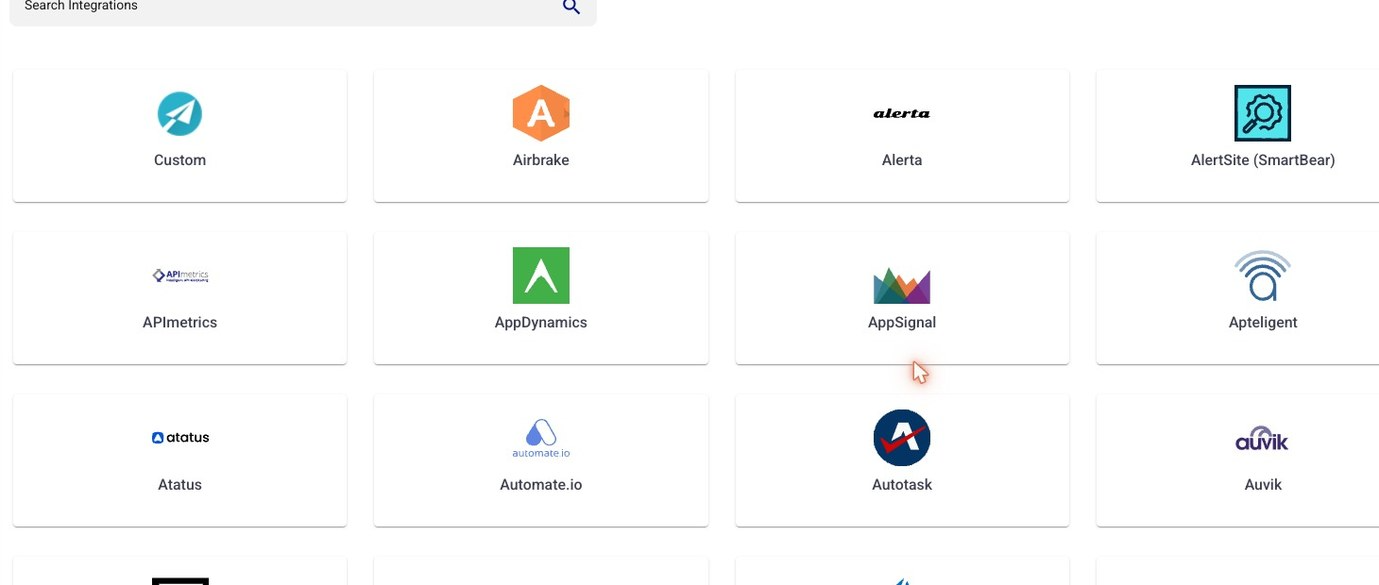
Figure 2. The template gallery (API shown). Pick the tile matching your source system, or Custom to build from scratch. Each channel type has its own gallery.
- Select an Escalation Policy.
- Add Recipient Users and/or Recipient Groups. These are additive — both can be set and both will receive notifications.
- Click the Submit button to save the integration. The saved integration page displays the endpoint URL (for API and Heartbeat) or the mailbox address (for Email) at the top — copy it into your source system's webhook or notification configuration.

Figure 3. The Basic Settings form (email shown). Set the Name, Escalation Policy, and recipients, then Submit. API and Heartbeat forms follow the same pattern with their channel-specific first field.
Channel Reference
Relevant for Anyone picking a channel type
|
Channel |
When to use |
|
API |
Webhook-style inbound. Source system POSTs JSON to a generated endpoint URL. See Configuring API Integration and Custom API Integration. |
|
|
Source system sends to a generated mailbox address. AlertOps parses subject / body / sender. See Prebuilt Email Integrations and Custom Email Integrations. |
|
Chat |
Microsoft Teams / Slack channel integration for collaborative resolution. See Integration Overview. |
|
Heartbeat |
A dead-man's-switch. The source pings AlertOps on a fixed cadence; missed pings raise an alert. See AlertOps Heartbeat Monitoring. |