
Technical Services in AlertOps provide a new framework for organizing and assigning Inbound Integrations. Unlike traditional Business Services (formerly “Service Status”), which are oriented around public-facing service health, Technical Services are built for internal ownership, routing, and operational governance.
Use Cases for Technical Services
- Grouping related Inbound Integrations (e.g., all DB monitoring alerts)
- Enforcing fixed ownership without dynamic group logic
- Aligning integrations to internal teams for reporting
- Simplifying escalation management via inheritance
Creating a Technical Service
Note: Navigation instructions are aligned with existing Integration creation methods but adjusted per Technical Services UI. If not fully documented in the KB, Admins may need UI guidance during onboarding.
- Go to Configuration > Integrations
- Select Services
- Select + Add Service
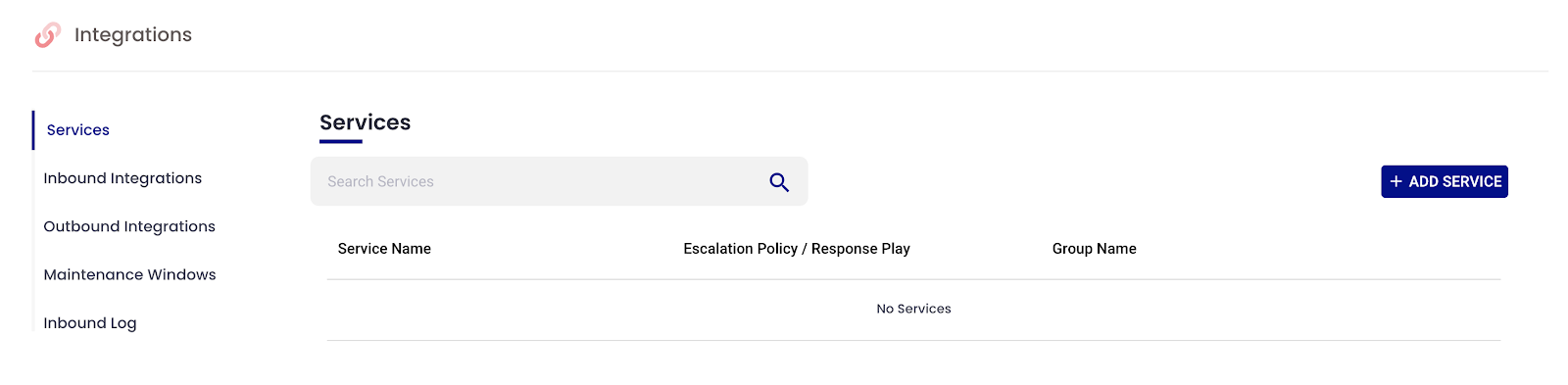
- Enter the following:
- Service Name
- Assignment Group – This group is the owner of this service and the recipients of notifications originating from this Assignment Group (must be a static group, no dynamic recipient groups)
- Escalation Policy / Response Play (used for all child integrations)

- Click Submit
Adding Inbound Integrations to Technical Services
Inbound Integrations attached to a Technical Service inherit the Escalation Policy and Assignment Group from the parent. No need to define these at the integration level.
Steps:
- Navigate to Configuration > Services
- Select an existing Service
- Under Connected Integrations select “Add API” or “Add Email” for the respective integrations
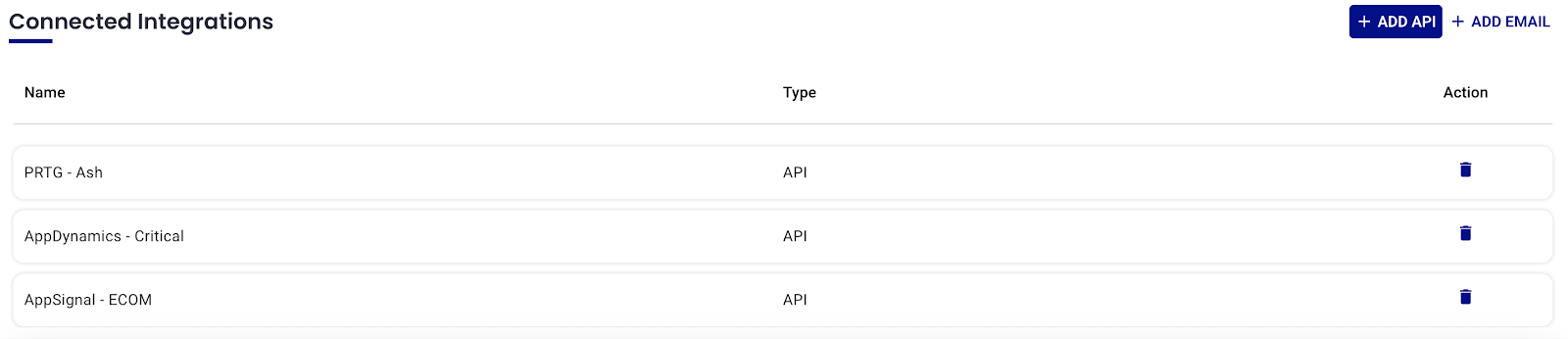
- Click the Inbound Integrations tab
- Select Add API or Add Email
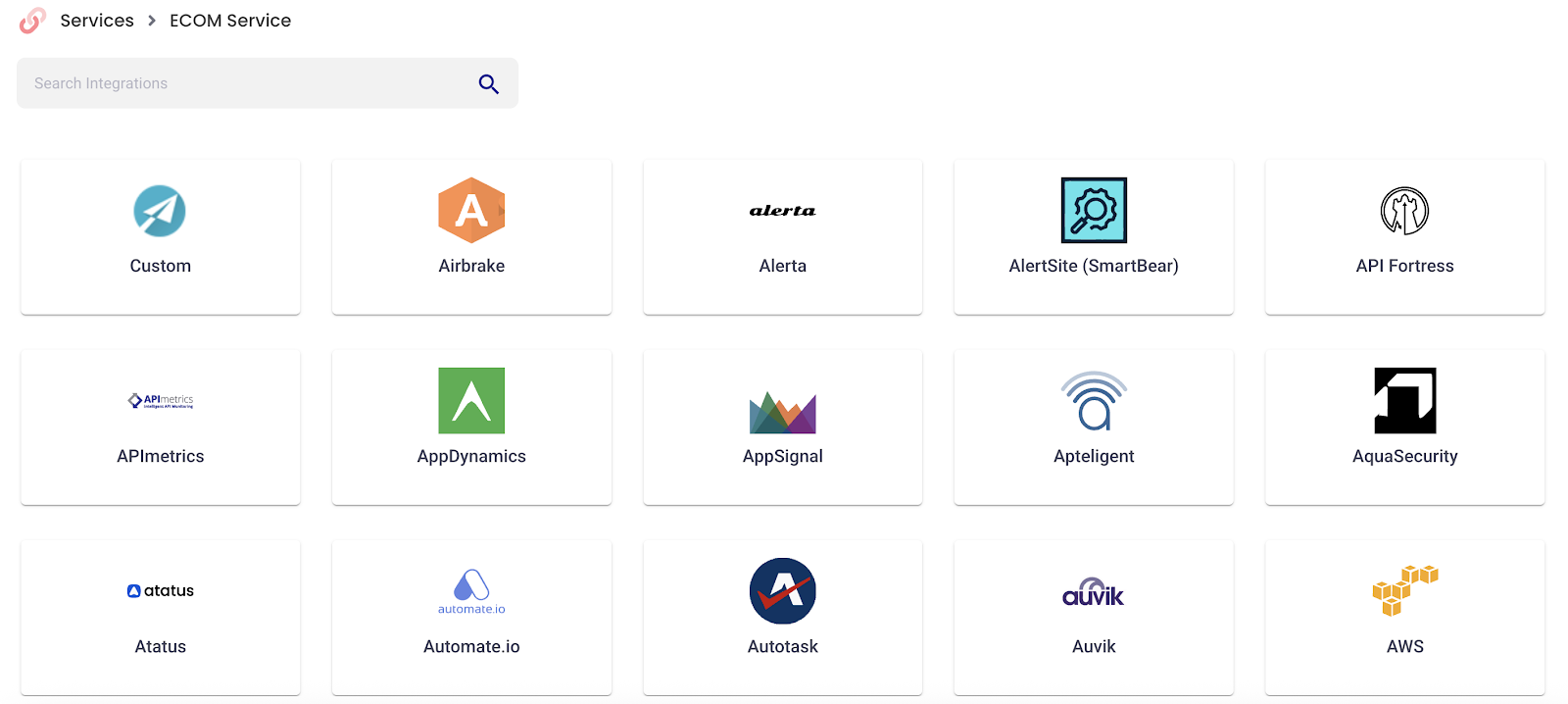
- Select a prebuilt template or choose Custom
- Complete remaining Integration setup
- Click Submit
Your integration will now follow the escalation and notification rules defined by the parent Technical Service.
Limitations
- No dynamic recipient groups allowed
- Escalation policy overrides are the only customization method
- Each Technical Service supports a single assignment group
Best Practices
- Use Technical Services to segment internal systems (e.g., “Database Monitoring”, “App Layer Services”)
- Keep assignment groups tightly scoped to responsible teams
- Use escalation overrides only when needed per integration