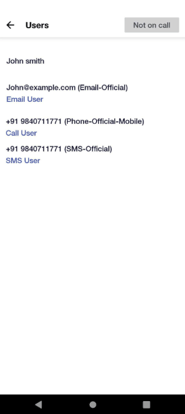
The Users & Groups screen lists users and the groups the user belong to. Selecting a user will show their contact methods. You can email, call, or SMS a user from your device by tapping on a user's email address or phone number.
- Adding or removing users can be achieved through the Web UI.
- Navigate to the menu
 and select Users and Groups, the following screen opens
 - Selecting a user will show who is on-call and their contact info and schedule details.